DALY BMS | ENGLISH BLOG ARTICLE
Introduction
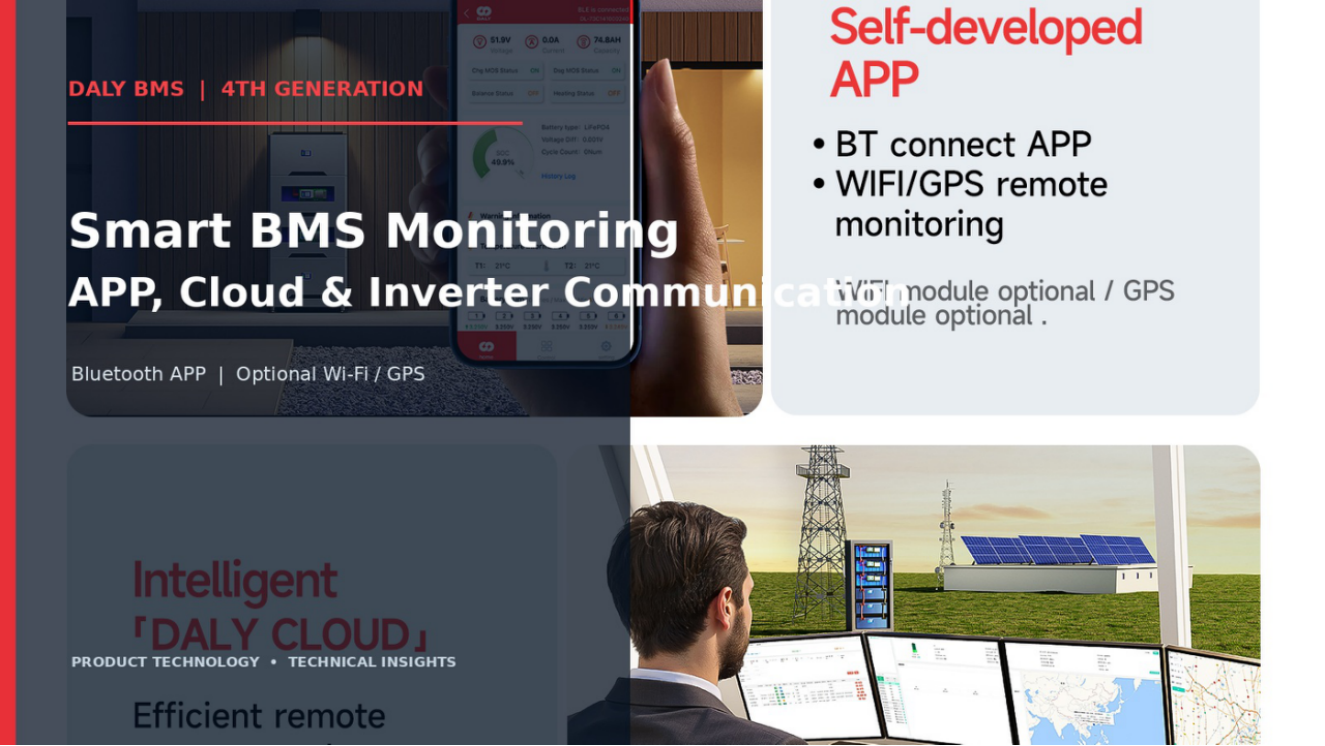
Monitoring and communication provide visibility into battery status and help a storage system exchange information with external equipment. The DALY 4th Generation materials supplied for this article describe Bluetooth APP monitoring, optional wireless modules, a cloud-management platform, an optional 3.5-inch display and communication interfaces for system integration. Availability and supported functions depend on the ordered hardware and software configuration.
Bluetooth APP monitoring
The supplied product graphics show a DALY APP connected to the BMS over Bluetooth, with battery information displayed in the application. The exact data fields, settings, alarm functions and supported operations should be checked against the current APP release and the manual for the selected BMS. A product illustration should not be treated as a guarantee that every screen or function is available on every model.
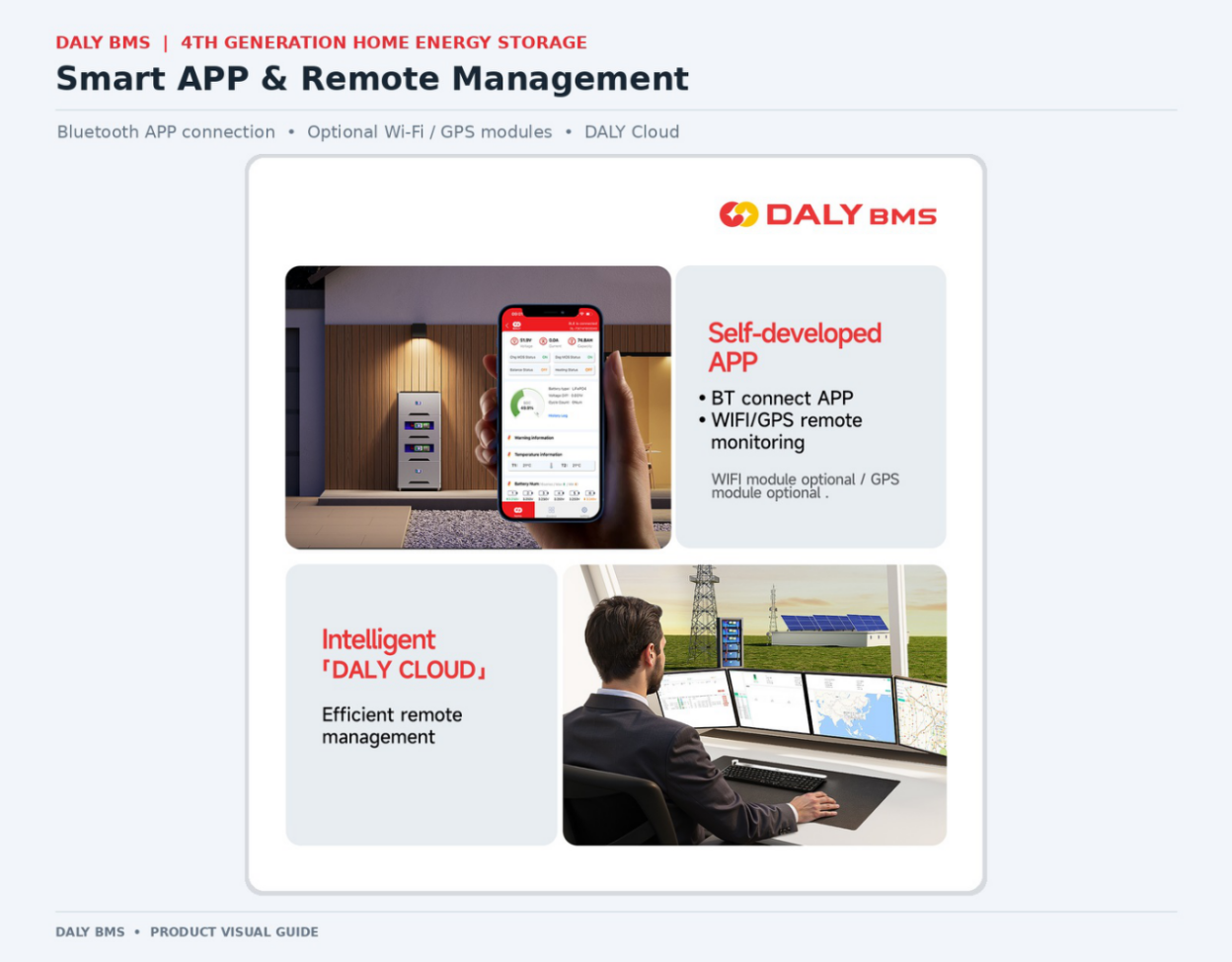
DALY APP monitoring interface shown in the supplied product materials.
Optional Wi-Fi and GPS modules
The supplied materials identify Wi-Fi and GPS modules as optional connectivity choices for remote monitoring. They should therefore be described as add-on or configuration-dependent features, not as standard built-in connectivity on every BMS. Before ordering, confirm the selected module, regional network support, software compatibility and any service requirements with DALY.
Remote-management concept; wireless modules are configuration-dependent.
Cloud monitoring and remote management
The product graphic presents DALY Cloud as a remote-management concept and illustrates a monitoring workstation. The materials available for this article do not establish cloud subscription terms, data-retention periods, cybersecurity certifications, service availability commitments or guaranteed uptime. Avoid making claims about those matters unless the current service documentation explicitly confirms them.
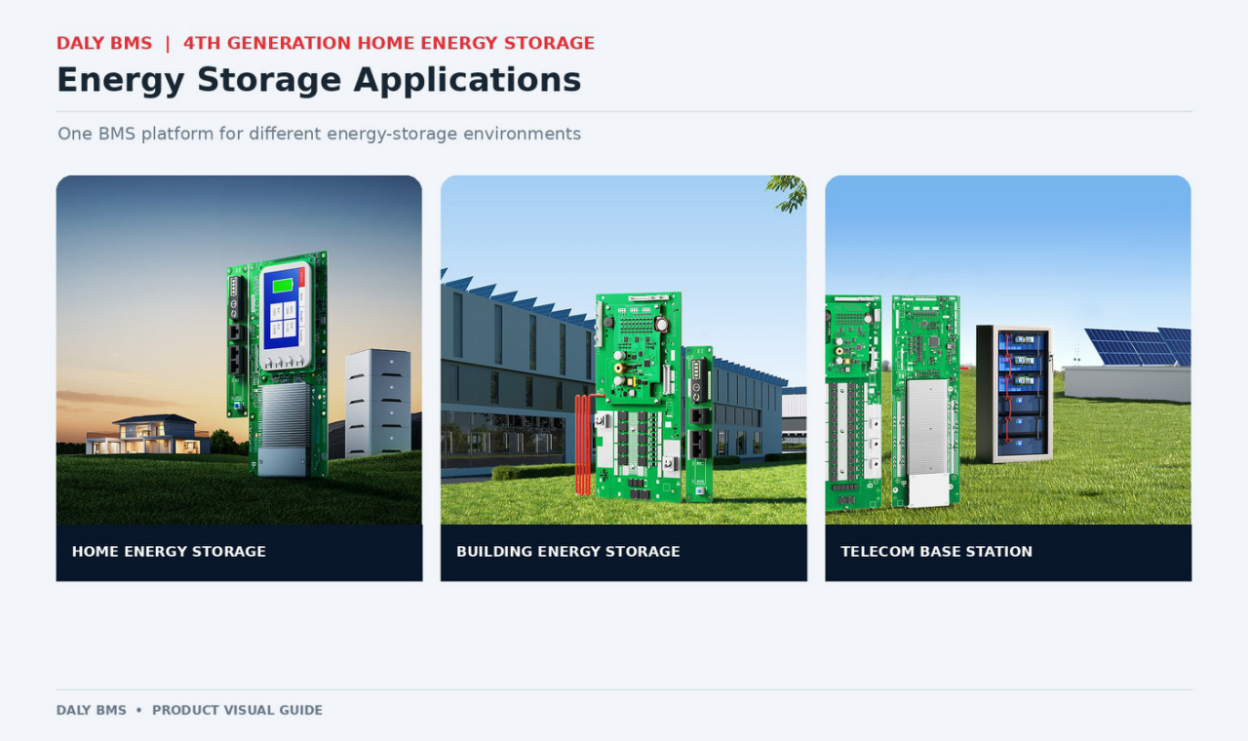
Energy-storage application environments shown in the supplied DALY visuals.
CAN, RS485 and inverter communication
The supplied specification identifies two UART connections on the mainboard and CAN plus RS485 on the interface board. DALY’s published product information describes communication options for inverter integration, but a matching physical interface does not by itself prove compatibility. Check the exact inverter brand and model, protocol profile, firmware and BMS configuration against the current approved compatibility information before confirming a system design.
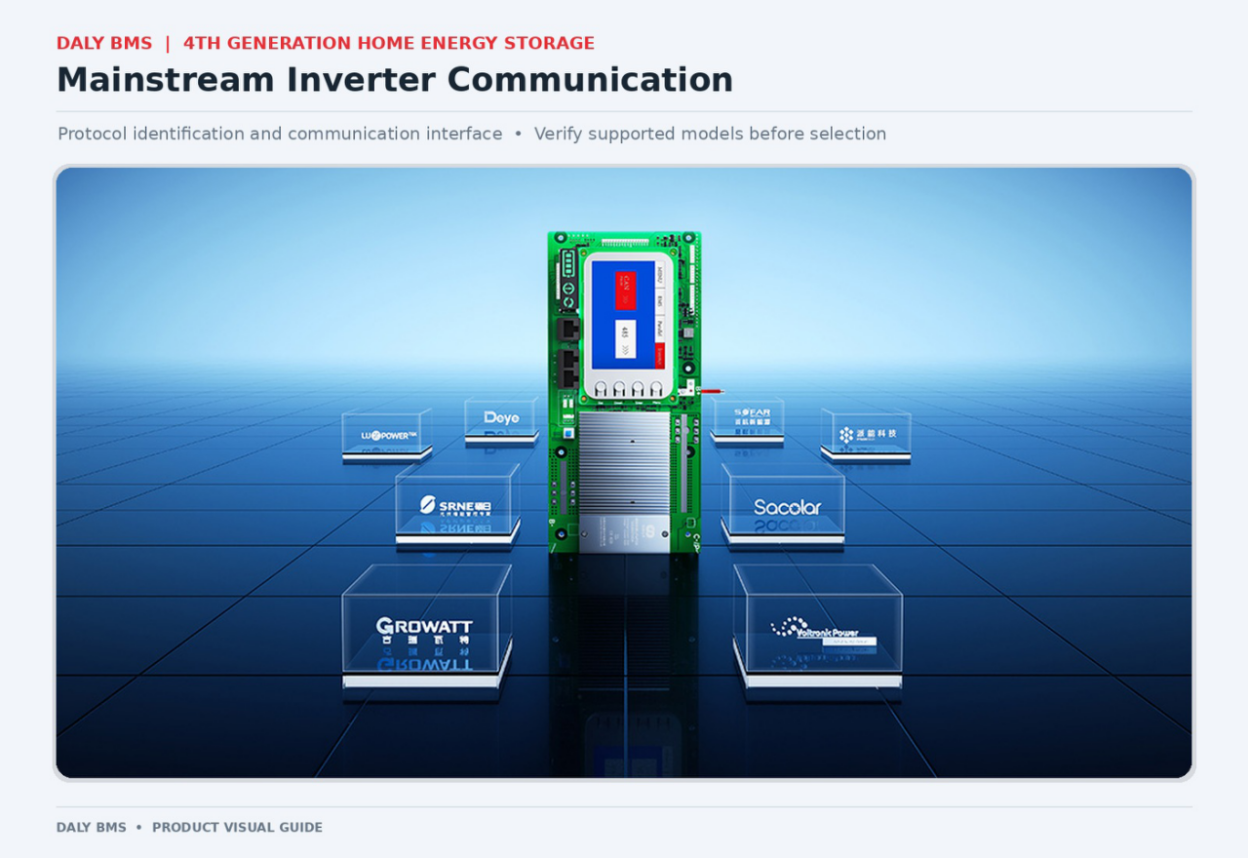
Inverter communication concept shown in the supplied product material.
3.5-inch colour display
A 3.5-inch colour display is presented in the supplied materials as an available feature. The illustrated interface is intended to show battery and system information, including pack-level or parallel-system views. Confirm whether the display is included in the selected SKU and which screens and functions are supported by that software version.
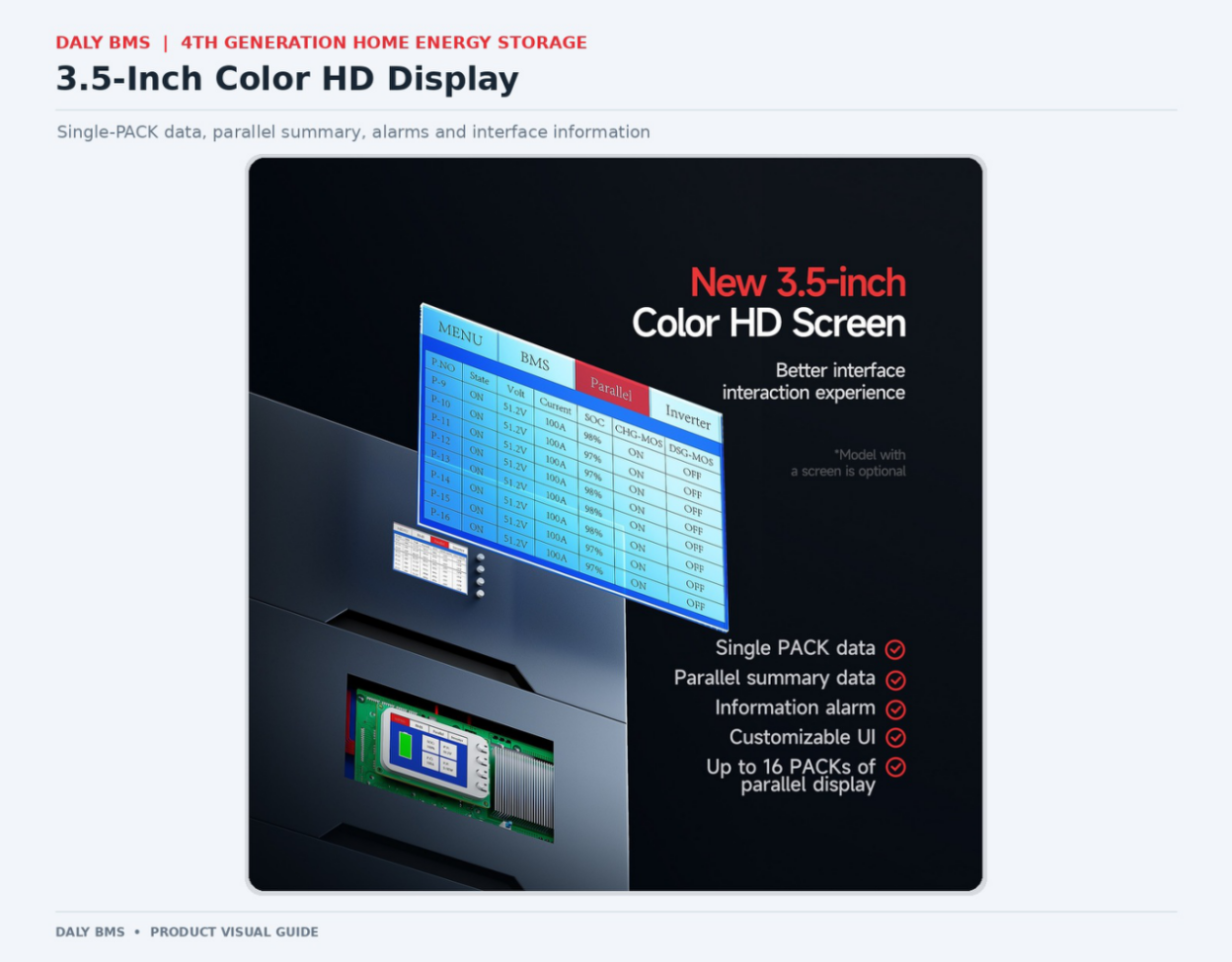
3.5-inch colour display shown in the supplied product materials.
Information to prepare for a compatibility check
For an inverter-communication review, provide the inverter manufacturer and exact model, communication interface, protocol information, firmware version if available, battery chemistry and series configuration, selected BMS model and any parallel-pack requirements. Ask DALY to confirm the exact combination rather than relying on a brand-level statement.
Conclusion
The DALY 4th Generation materials describe several monitoring and integration options: Bluetooth APP connection, optional Wi-Fi/GPS modules, DALY Cloud, an optional 3.5-inch display and UART/CAN/RS485 communication interfaces. Confirm the exact connectivity package, supported software functions and inverter protocol for the ordered configuration before purchase or installation.
Technical References
Product-specific statements should be checked against the current documentation for the exact model and configuration. The following DALY resources provide product-family and specification context:
· DALY 4th Generation LK and LM BMS product information — https://www.dalybms.com/news/home-energy-storage-bms/
· DALY 4th Generation Home Energy Storage BMS specifications — https://www.dalybms.com/news/home-energy-storage-bms-8s-24v-16s-48v-lifepo4-100a-200a-16-packs-in-parallel-4th-generation/
· DALY Home Storage BMS product family — https://www.dalybms.com/home-storage-bms/
Publication and Rights Notes
· The article text has been restructured and rewritten for clearer editorial expression. This is an editorial risk-reduction pass, not a plagiarism-database certificate or legal opinion.
· Image credit: DALY product materials supplied for this article. Confirm that DALY owns the rights or has a license permitting website/blog use, including any third-party photographer, designer, stock-image or agency rights.
· Confirm the latest SKU, hardware revision, firmware, options and datasheet before publication.
· Compatibility review: confirm the exact inverter model, protocol and firmware. Do not imply universal compatibility based only on a brand name.
https://www.dalybms.com/home-storage-bms/
DALy BMS